|
Device model
|
KB6011
|
|
Radiation type
|
γ radiation,X-rays, β particles
|
|
Inspection sensor
|
Geiger-Müller counter tube
|
|
Dose equivalent rate
|
0.00~1000uSv/h
|
|
Energy range
|
48keV ~ 1.5MeV (<±30%)
|
|
Inherent error
|
<±10%(KB6011)
|
|
Sensibility
|
80CPM/uSv/h (Co-60)
|
|
unit
|
uSv/h 、cpm
|
Usage:
General testing methods: Place device against to the testing object, The data is refreshing every 15 seconds (1 test cycle), waiting 60 seconds (after 4 cycles), the reading values should be stay stable. For marble radiation testing, the suggested testing time will be 5 minutes (considering the background radiation value is very low, so 5 minutes of data collection is necessary for more accurate results).
Surrounding radiation test:Place the device 1 meter above the ground, avoiding beta-ray interference on the ground and testing in open areas for 5 minutes. Observe the average readings on the display.
Find the radiation source:Change the display to the histogram interface, and scan the object near the back of the machine. Observe the graphical situation and the alarm tone.
Household testing items: Stones, jewelry, imported goods radiation detection (all models apply).
Medical / equipment radiation testing: radiation inspection of X-ray machines such as security inspection machines, CT, hand-held metal flaw detectors, hospital safety distance measurement, real-time monitoring of using radiation drugs (KB6011 Recommend)
Radiation Indicator light
At the bottom of the screen, the yellow indicator light flashes once, indicating that the Geiger tube receives one discharge signal. The higher the frequency, the bigger the radiation reading values. Since there is a background radiation from the cosmic environment and the air, there should be 20 to 30 beats per minutes flashing under normal environment conditions.
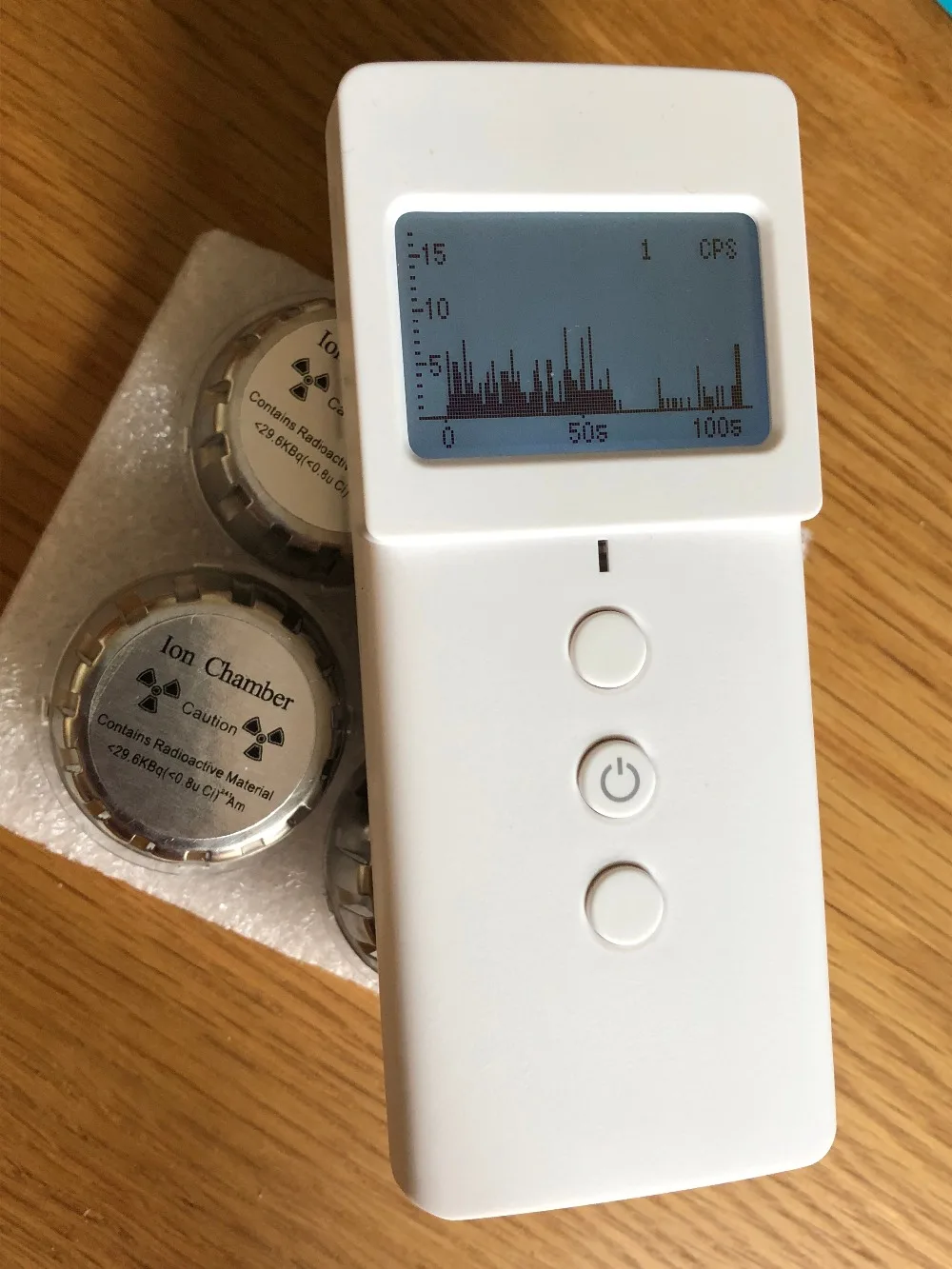
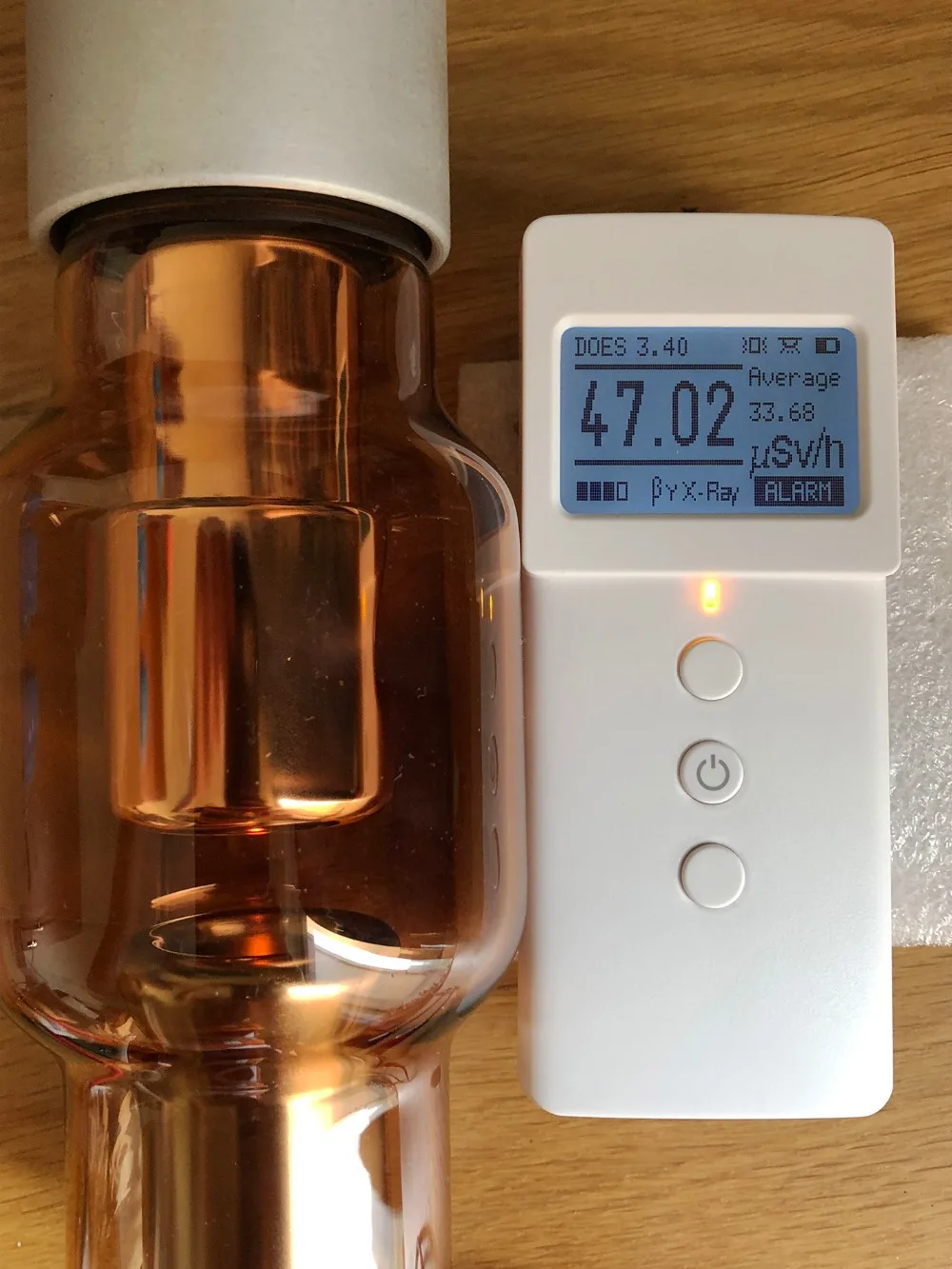
Dose accumulation function (Dose):It can record the dose accumulation since the last time data clearing. Please keep this value no more than 3100μSv within a year, otherwise, the amount of radiation received will exceed the national standard values.
Contactable pollutants counting function (Contact): this number will be added while the device has direct contact with the pollutants every time. It can be cleared to zero after using ClearData manually.
Radiation exposure time statistics(Exp.Time): this function can help users to record the time which been exposing under radiation. For instance, the time while using X-rays machine for examination, or the time making direct contact with radiation pollutants. This data can also be cleared to zero after using ClearData manually.
How to perform background radiation value calibration on the product.(Non-essential operation)
To calibrate the background value of the device, Turn on it and press confirm button to enter the setting page, repeatedly click ClearData for 20 times or more, then restart the device, it will enter the background value calibration interface automatically. At this point, the device needs to be left on the table for 30 minutes, during which time, do not make contact with any radiation source. After waiting for 30 minutes, the device self-calibration is completed. Restart the device and continue using it.


